# Lilico

[Lilico](https://lilico.app/) is bringing a transcendent experience to your crypto assets on web3.

<figure><img src="/files/CRezYD7gRBWTR3dfGpmv" alt=""><figcaption></figcaption></figure>

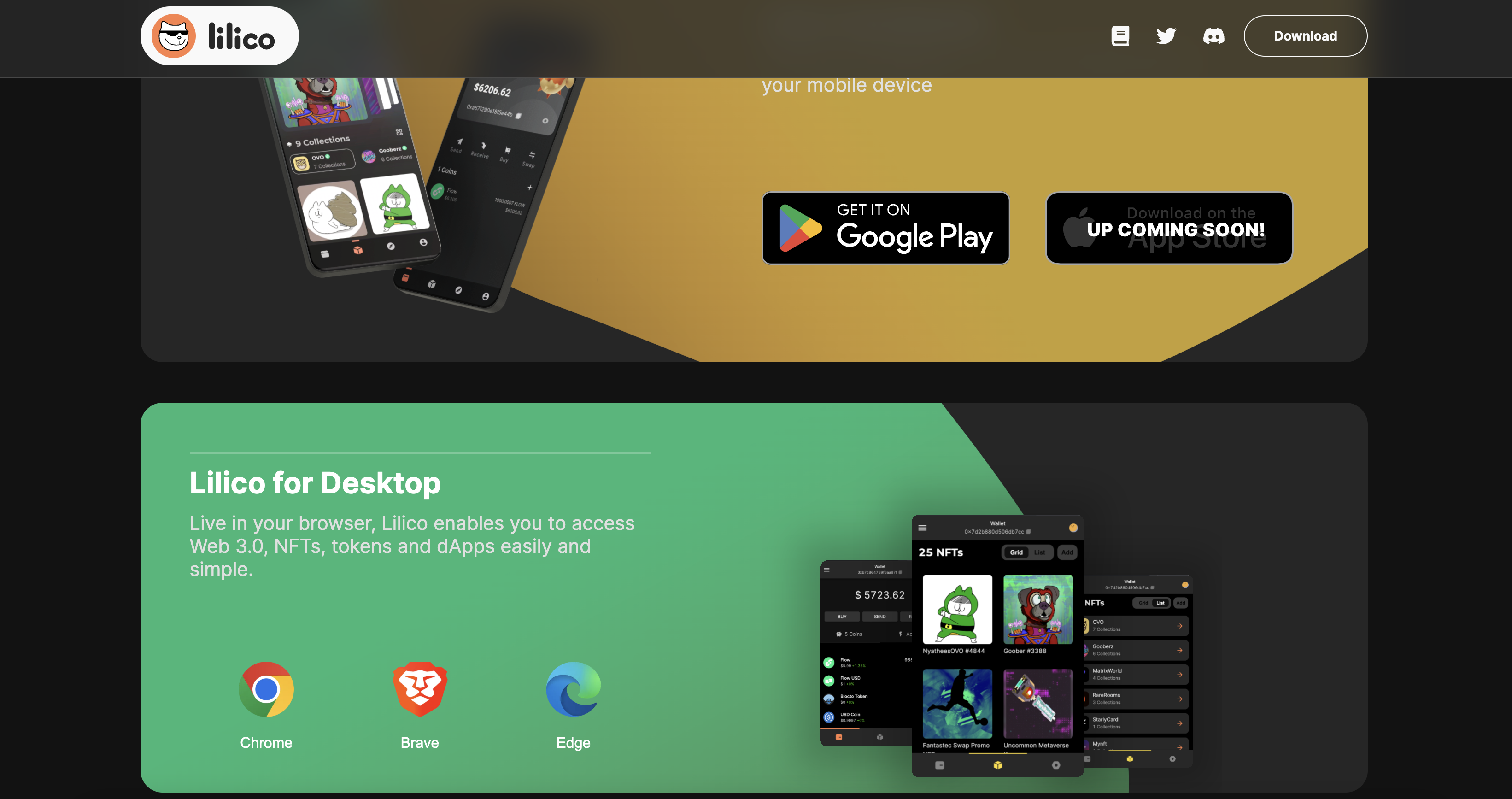
Similar, select the platform you want to install and download the program. if you choose to install on Chrome, the website will direct you to the Chrome Web Store.

<figure><img src="/files/MN5xThA9bCWx3BpcqDsv" alt=""><figcaption></figcaption></figure>

Click to 'Add to Chrome'.

<figure><img src="/files/dF4N798XNdmGkPYr4etZ" alt=""><figcaption></figcaption></figure>

Click on 'Create A New Wallet'.

<figure><img src="/files/llMf9hyhg1uCSIR8mkp5" alt=""><figcaption></figcaption></figure>

Pick a Username.

<figure><img src="/files/6NZ98CVW4oYj1felDAB1" alt=""><figcaption></figcaption></figure>

Record and back up any random keys that appear, it's the only proof you have to retrieve your wallet!

<figure><img src="/files/IYdtygwmNlAgQypTun5s" alt=""><figcaption></figcaption></figure>

Enter the password to access the wallet and click 'Register'.

<figure><img src="/files/qgwKzKigYdYqtwQc2Hod" alt=""><figcaption></figcaption></figure>

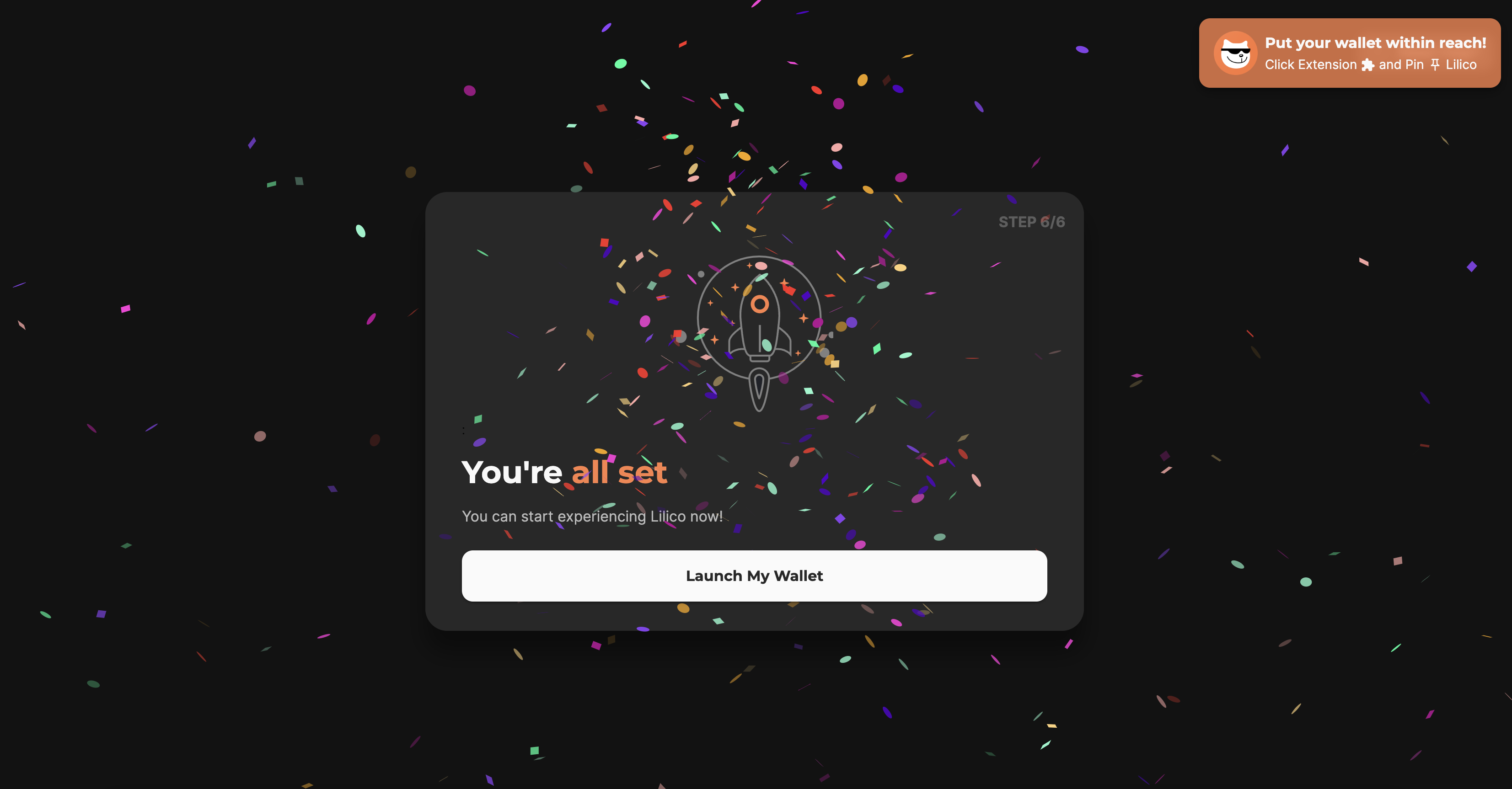
Congratulations, you've created your Lilico wallet! Please note your wallet address as well as your assets.

<figure><img src="/files/w5W1cVZkmxncjitVUQd8" alt=""><figcaption></figcaption></figure>

For more information on how to use Lilico please visit the official [Lilico documention](https://outblock.notion.site/Lilico-Documentation-Index-b97f6c9203384a80994161e8d00ce1b5).

---

# Agent Instructions: Querying This Documentation

If you need additional information that is not directly available in this page, you can query the documentation dynamically by asking a question.

Perform an HTTP GET request on the current page URL with the `ask` query parameter:

```
GET https://docs.4everland.org/get-started/quick-start-guide/login-options/lilico.md?ask=<question>
```

The question should be specific, self-contained, and written in natural language.
The response will contain a direct answer to the question and relevant excerpts and sources from the documentation.

Use this mechanism when the answer is not explicitly present in the current page, you need clarification or additional context, or you want to retrieve related documentation sections.