> For the complete documentation index, see [llms.txt](https://docs.4everland.org/llms.txt). Markdown versions of documentation pages are available by appending `.md` to page URLs; this page is available as [Markdown](https://docs.4everland.org/get-started/quick-start-guide/login-options/phantom.md).
# Phantom
Phanton login
[**Phantom**](https://phantom.app/) is a crypto wallet that can be used to manage digital assets and access decentralized applications on the [Solana](https://solana.com/) blockchain.
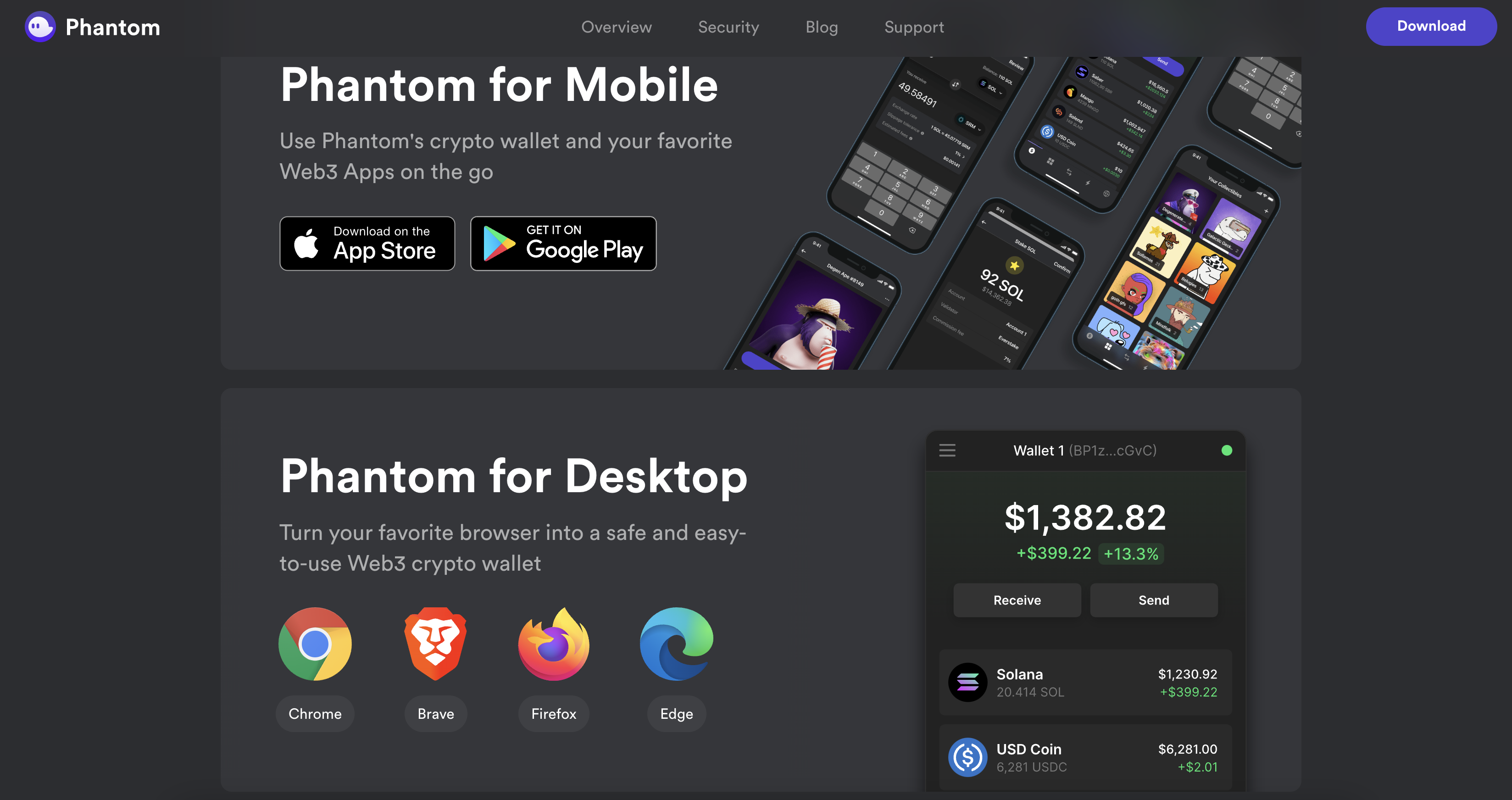
Again, select the platform you want to install and download the program. if you choose to install on Chrome, the website will direct you to the Chrome Web Store.
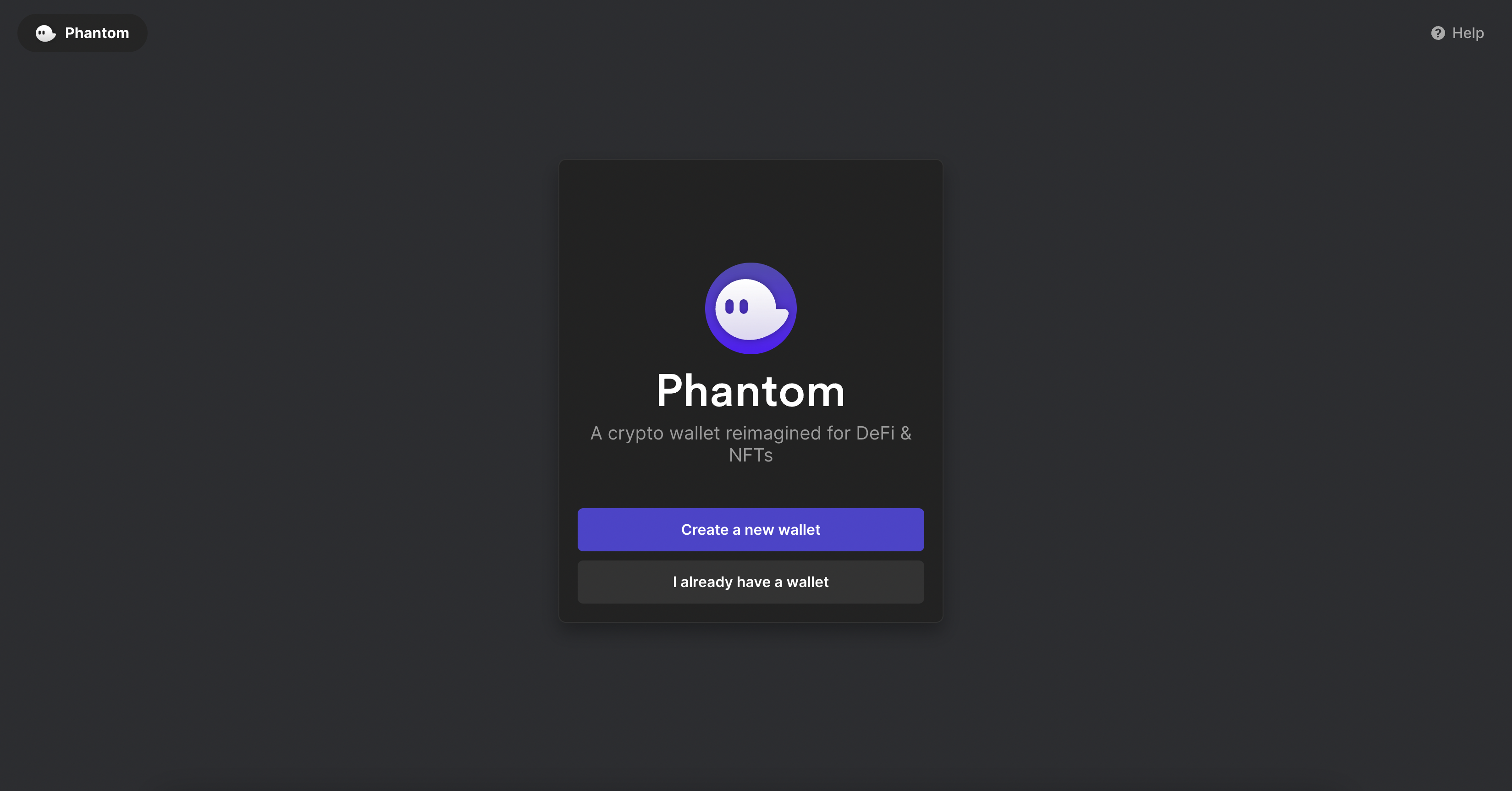
Click to 'Create a new wallet' to start using Phantom.
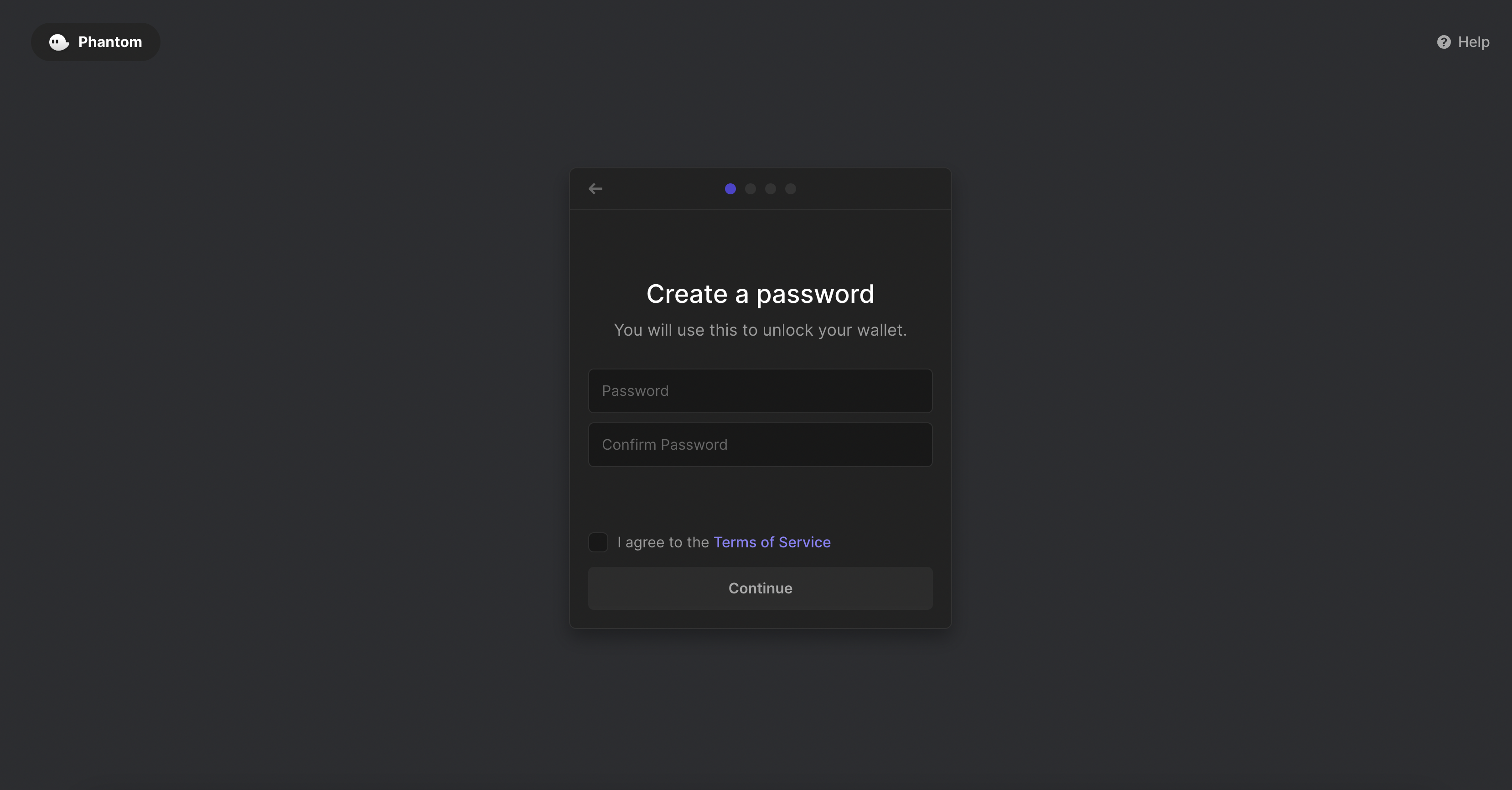
Enter the password to access the wallet and click 'Continue'.
Record and back up any random keys that appear, it's the only proof you have to retrieve your wallet!
Congratulations, you've created your Phantom wallet! Please note your wallet address as well as your assets.

For more information on how to use Lilico please visit the official [Phantom Support](https://help.phantom.app/hc/en-us).