> For the complete documentation index, see [llms.txt](https://docs.4everland.org/llms.txt). Markdown versions of documentation pages are available by appending `.md` to page URLs; this page is available as [Markdown](https://docs.4everland.org/hositng/guides/creating-a-deployment/with-ipfs-hash.md).
# With IPFS Hash
## Creating a Deployment With IPFS Hash
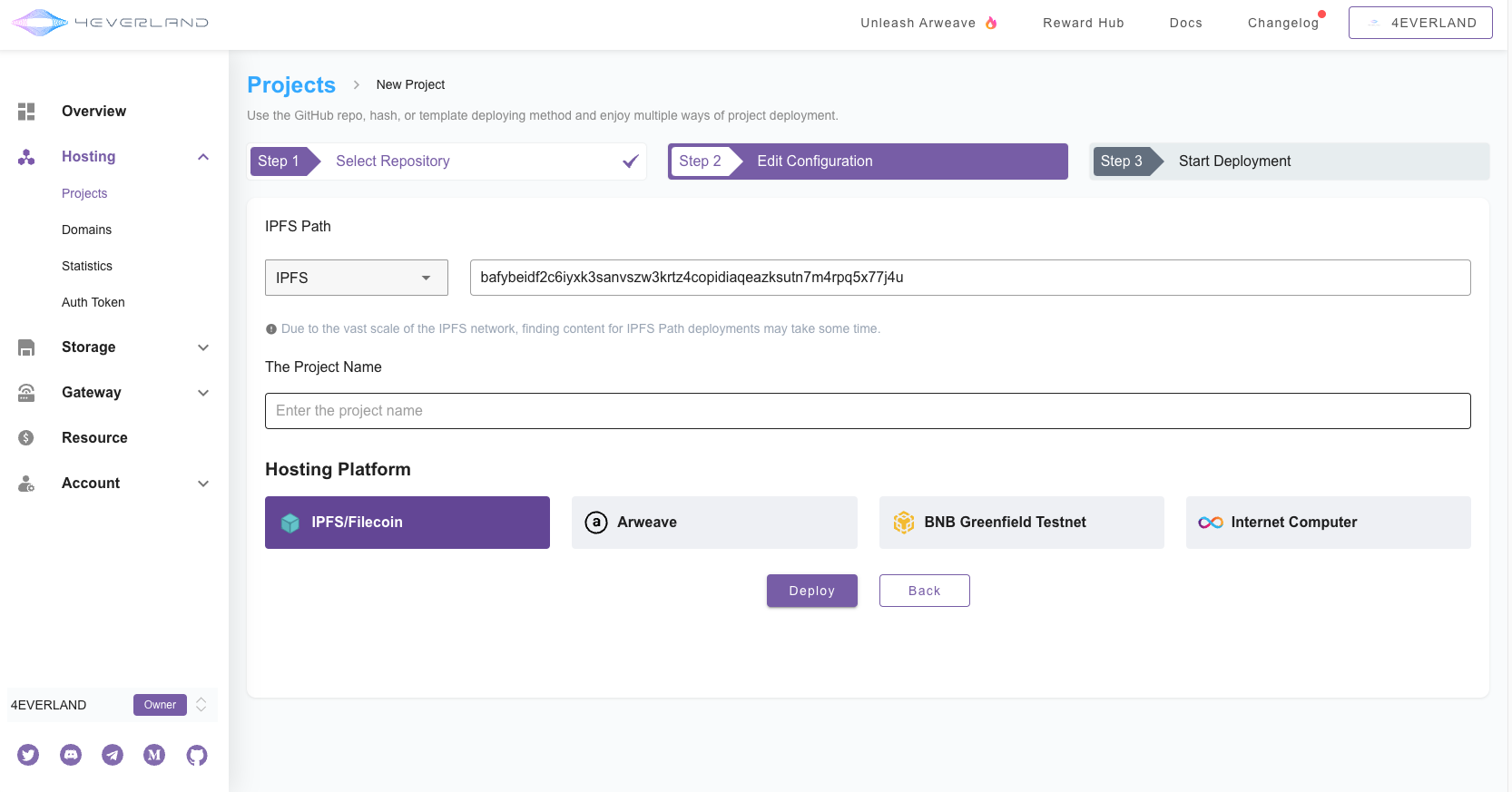
Deploy and define build commands with one click using existing IPFS Hash. Each time you update the information directly in the Template Setup Centre, 4EVERLAND automatically runs the build command and deploys the resulting changes.
Determine the project name and select the platform to be deployed, this is the simplest deployment mode
Then 4EVERLAND will try to auto-detect the web framework and apply the correct build parameters, to complete further deployment, please jump to:
{% content-ref url="/pages/XvHtGH6kxppiwMVvCnih" %}
[Site Deployment](/hositng/guides/site-deployment.md)
{% endcontent-ref %}